
News, hints and tips

On October 21, 2026, the PHP project released emergency updates for two critical security flaws. You may never have heard of PHP, but your website probably runs on it. PHP is the programming language behind WordPress, Drupal, Joomla, Magento, and a big chunk of the rest of the Web. It runs on the server, building […]
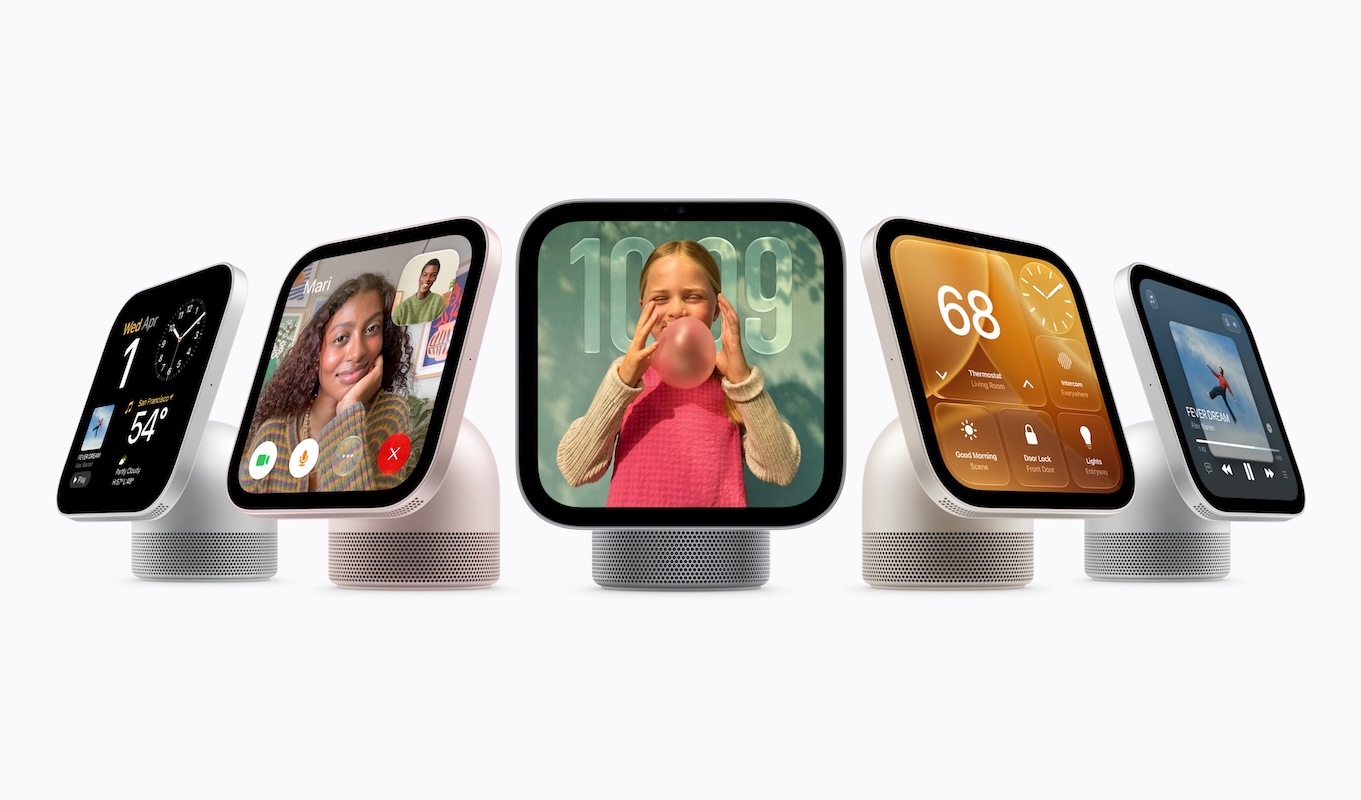
Apple is reinvesting in the home in a big way. At its Welcome Home product launch on October 13, 2026, the company introduced the long-rumored HomeView—a touchscreen smart speaker for the whole family—alongside an updated HomePod mini and a next-generation Apple TV. Apple is also partnering with LG and Schneider Electric on a line of […]

The MacBook Air and MacBook Pro have a notch at the top of the screen that contains the Center Stage camera, camera indicator LED, and True Tone and ambient light sensors. Unfortunately, that notch obscures menu bar icons as they pile up. Utilities such as Bartender and Ice offered solutions, but in macOS 27 Golden […]

Has an older app stopped opening after you upgraded to macOS 27 Golden Gate? The missing piece may be Rosetta, Apple’s software that lets Intel-based apps run on Macs with Apple silicon. Even if you installed Rosetta years ago, Apple’s release notes say it isn’t automatically restored after the upgrade. Fortunately, macOS 27 still supports […]
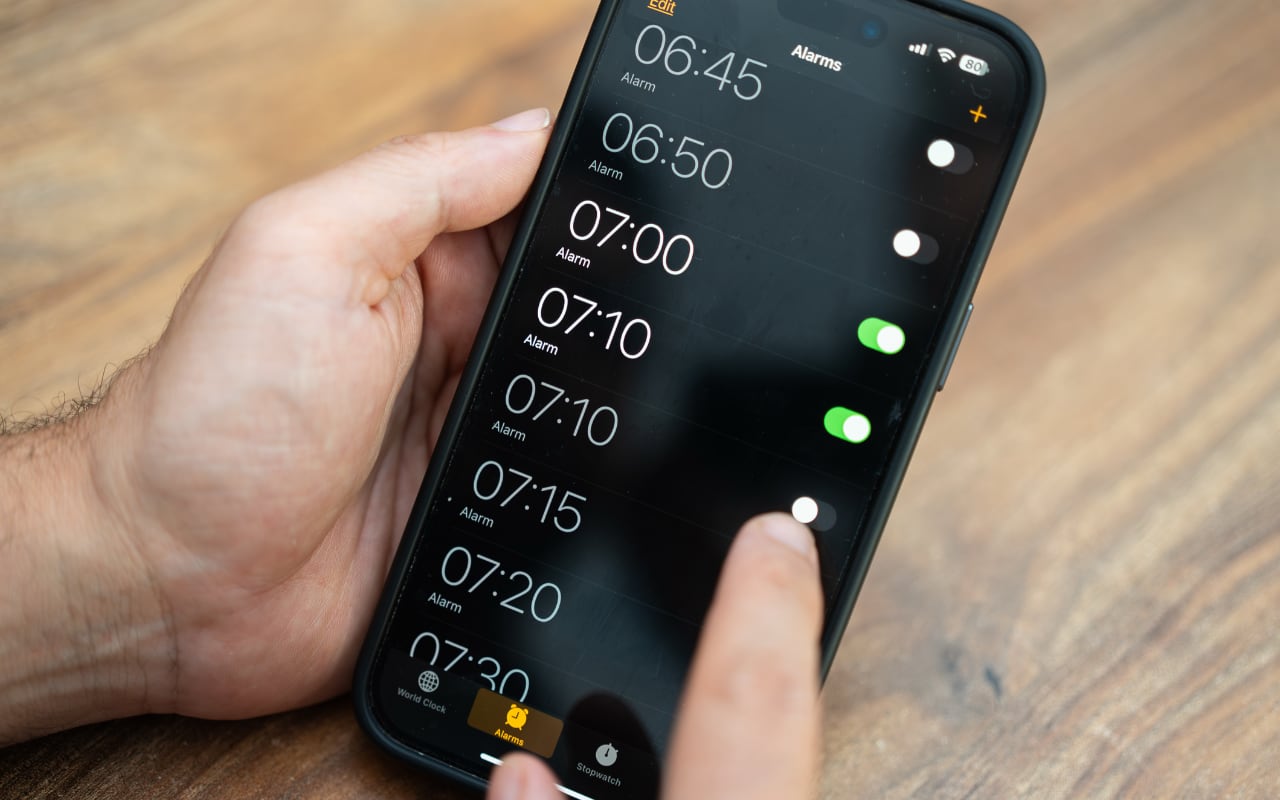
Want a quiet ringtone without making your kitchen timer easy to miss? In iOS 27, you can set alarm and timer volume separately from ringtone volume. By default, they’re still linked, so you’ll need to change a setting. Go to Settings > Sounds & Haptics, find Alarms and Timers, and turn off Match Ringtone Volume. […]

Quitting a Mac app doesn’t always stop everything it’s doing. Some apps leave background processes running to sync files, check for updates, or finish other work. In macOS 27 Golden Gate, Apple makes this activity more visible: you’ll see a notification the first time an app continues running after you quit, and hovering over its […]
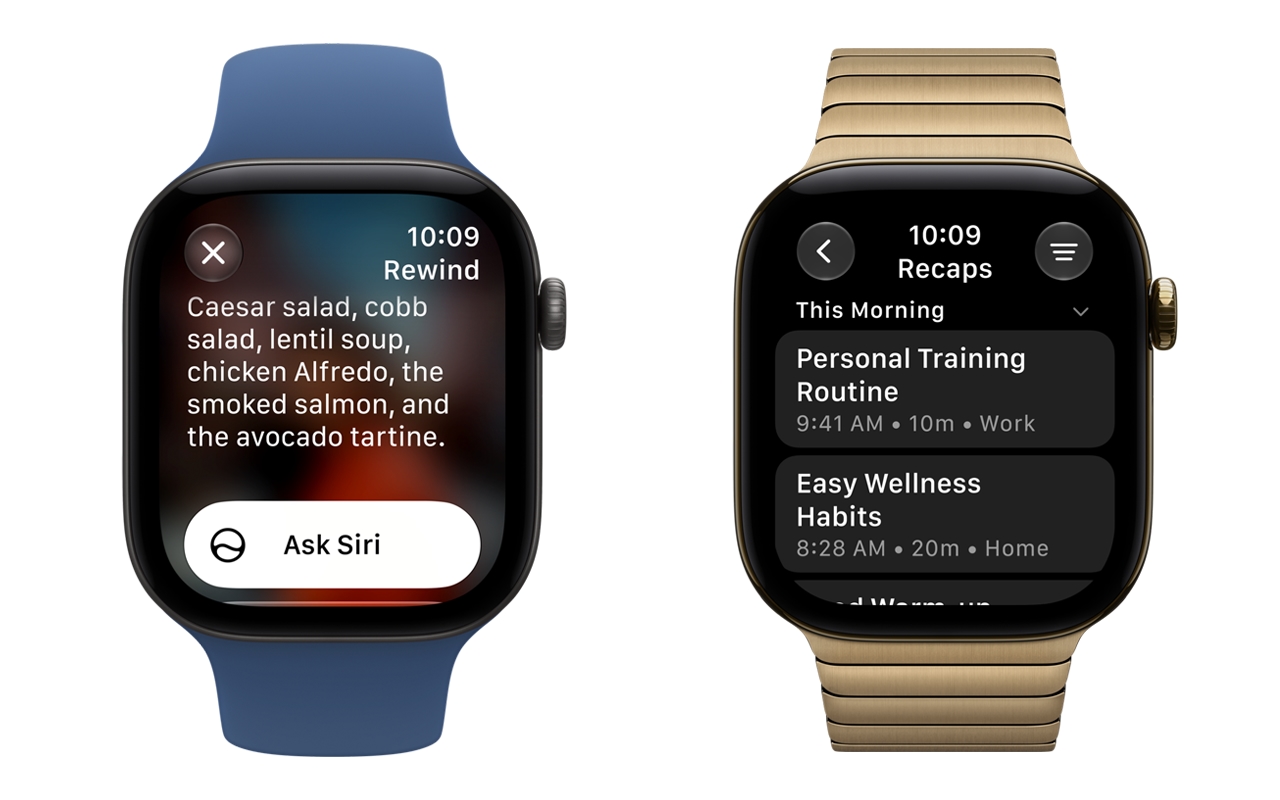
The new Live Rewind and Siri Recap features in the Apple Watch Series 12 and Apple Watch Ultra 4 sound convenient enough. Live Rewind lets you recall anything said in a conversation in the past 15 seconds, while Siri Recap takes notes throughout the day to create an Apple Intelligence summary. That’s fine unless a […]
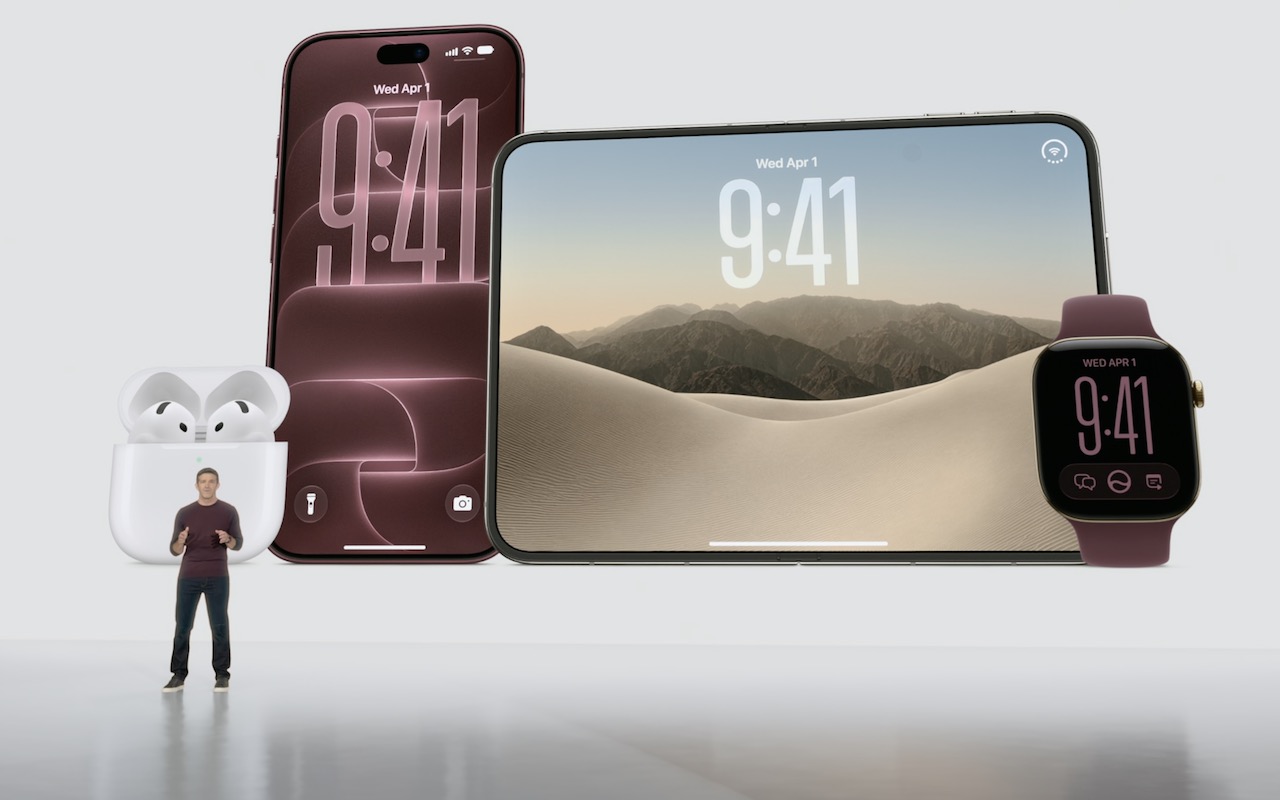
Apple’s annual September event delivered more than the usual annual iPhone and Apple Watch updates. Alongside the iPhone 18 Pro and iPhone 18 Pro Max, new Apple CEO John Ternus led the unveiling of the iPhone Duo—Apple’s first foldable iPhone—the Apple Watch Series 12 and Ultra 4 with new health-sensing and listening capabilities, and the […]

The latest scam making the rounds preys on your trust and sociability. You receive what appears to be a party invite from a friend via an invitation service like Paperless Post or Punchbowl. The email legitimately comes from your friend’s account, which has been compromised, but clicking any link in it takes you to a […]

Apple’s wireless Magic Mouse, Magic Trackpad, and Magic Keyboard are the norm for desktop Macs, but they aren’t infallible. Batteries die, pairing can fail, and worst of all, if you need to boot into macOS Recovery, that’s a bad time to discover that your wireless keyboard or pointing device isn’t connecting for whatever reason. You […]
Thousands of happy customers, industry partners, clients and users.
